Create the invitation
Choose a ready-made theme and publish in minutes.
Create a polished digital invitation, track guest replies and collect event photos on the same page.
Choose a theme, add details, enable RSVP and photo uploads, then share one link.
Features →
Choose a ready-made theme and publish in minutes.
Follow RSVP replies, guest lists and event flow.
Gather photos and messages on the same page after the event.
Pick a category and the matching features and themes update instantly.
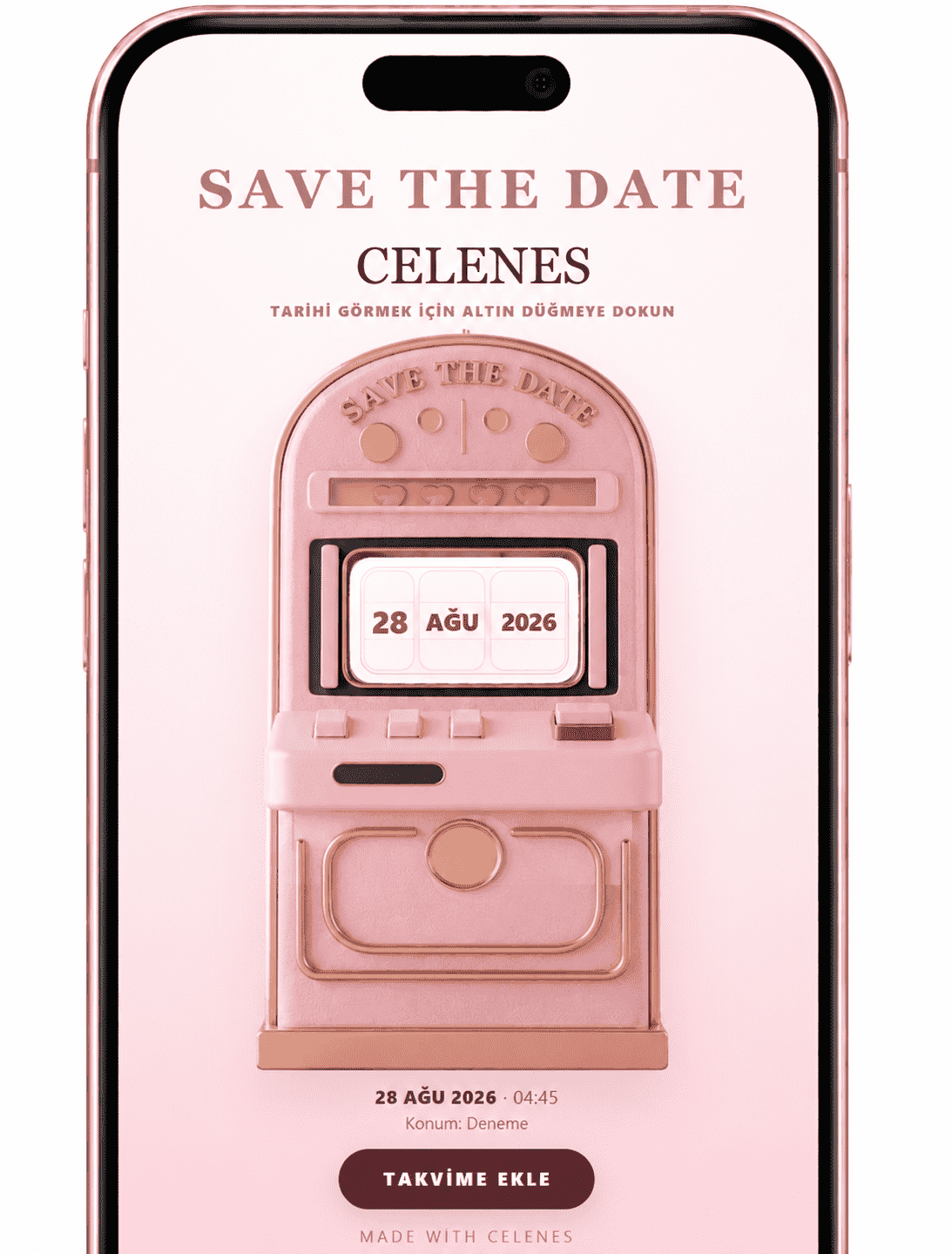
Bring everything together in one shareable link with elegant themes, countdowns, maps, RSVPs and guest photos. Announce the date early with Save the Date.
Choose a ready-made theme and publish in minutes.
Follow RSVP replies, guest lists and event flow.
Gather photos and messages on the same page after the event.
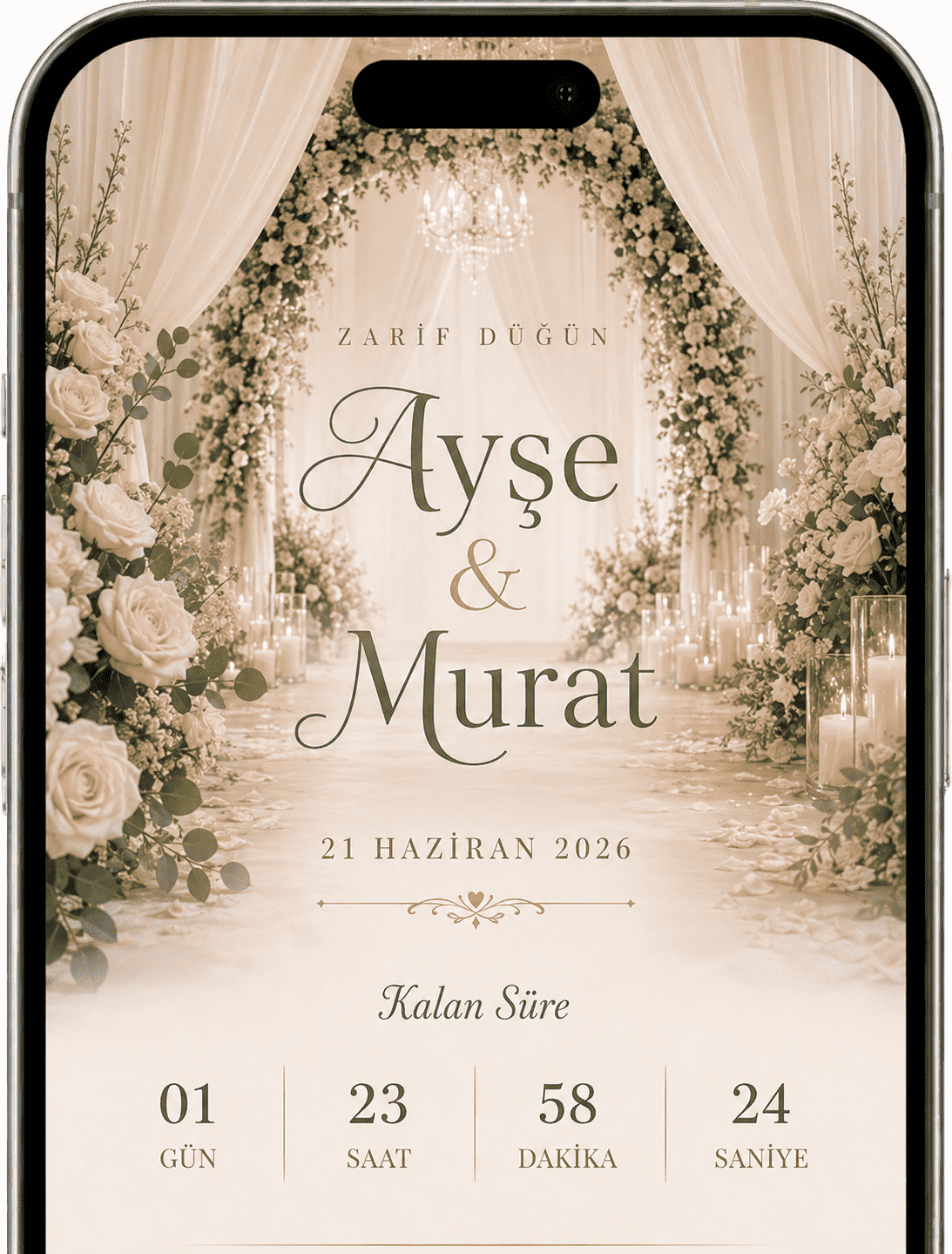
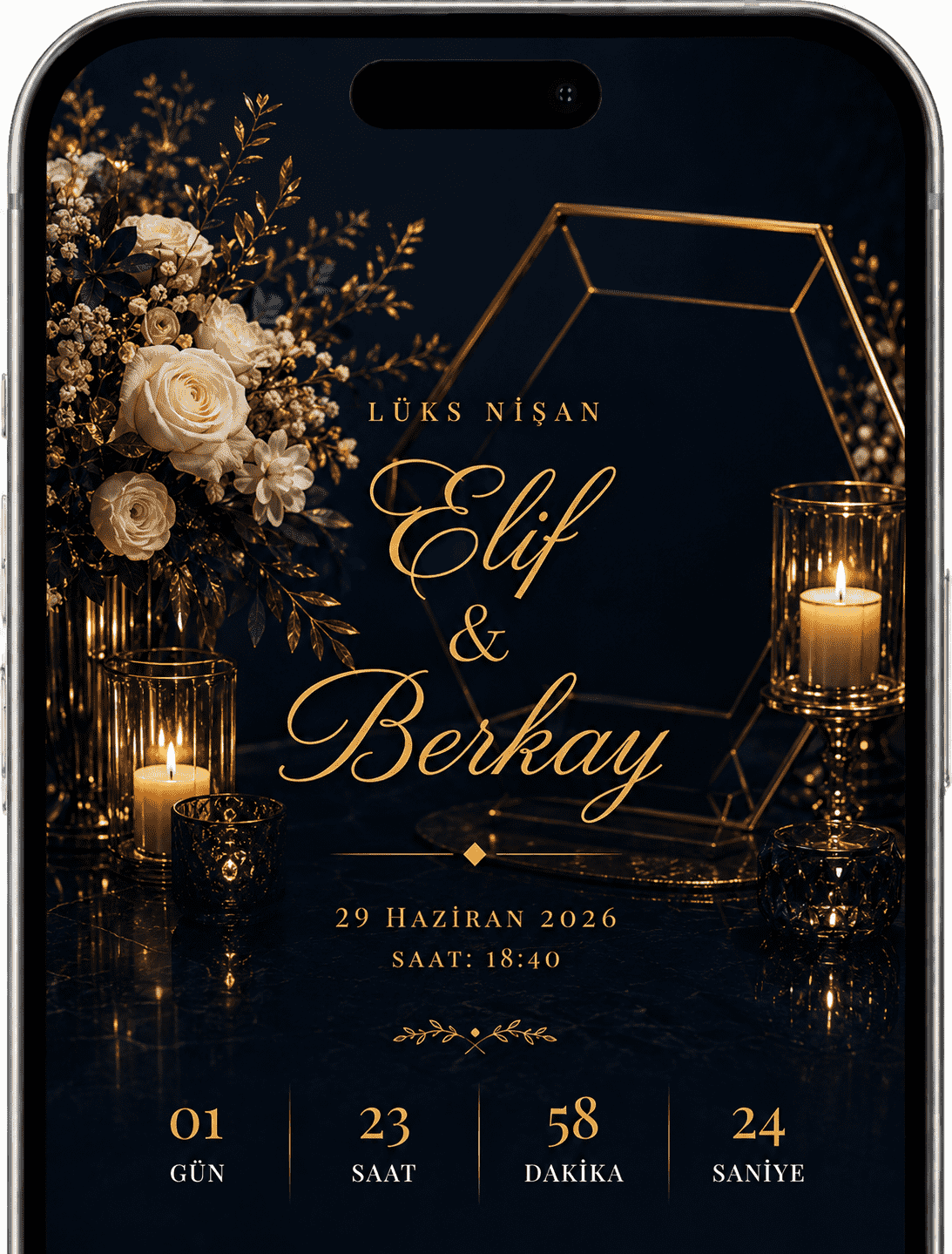
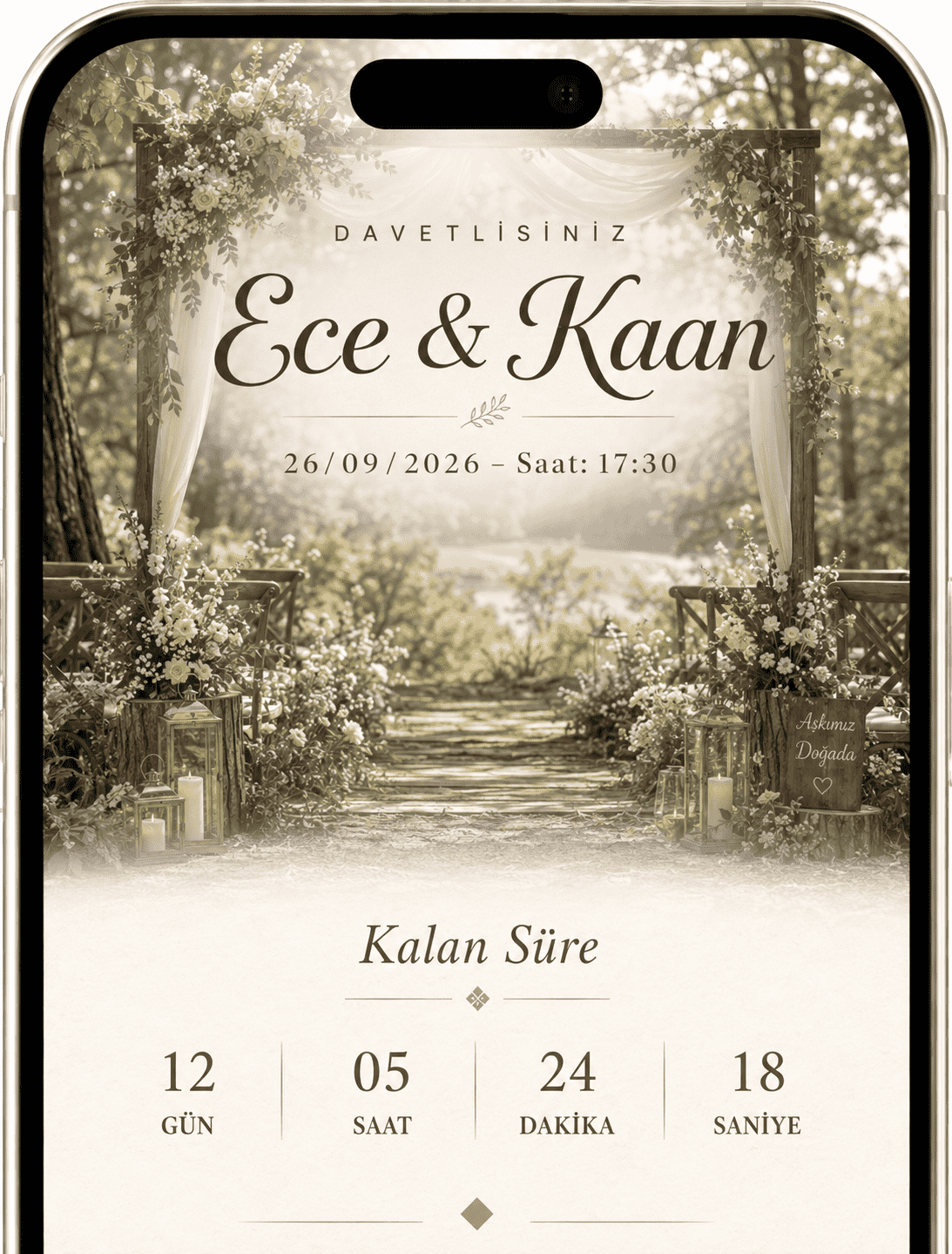

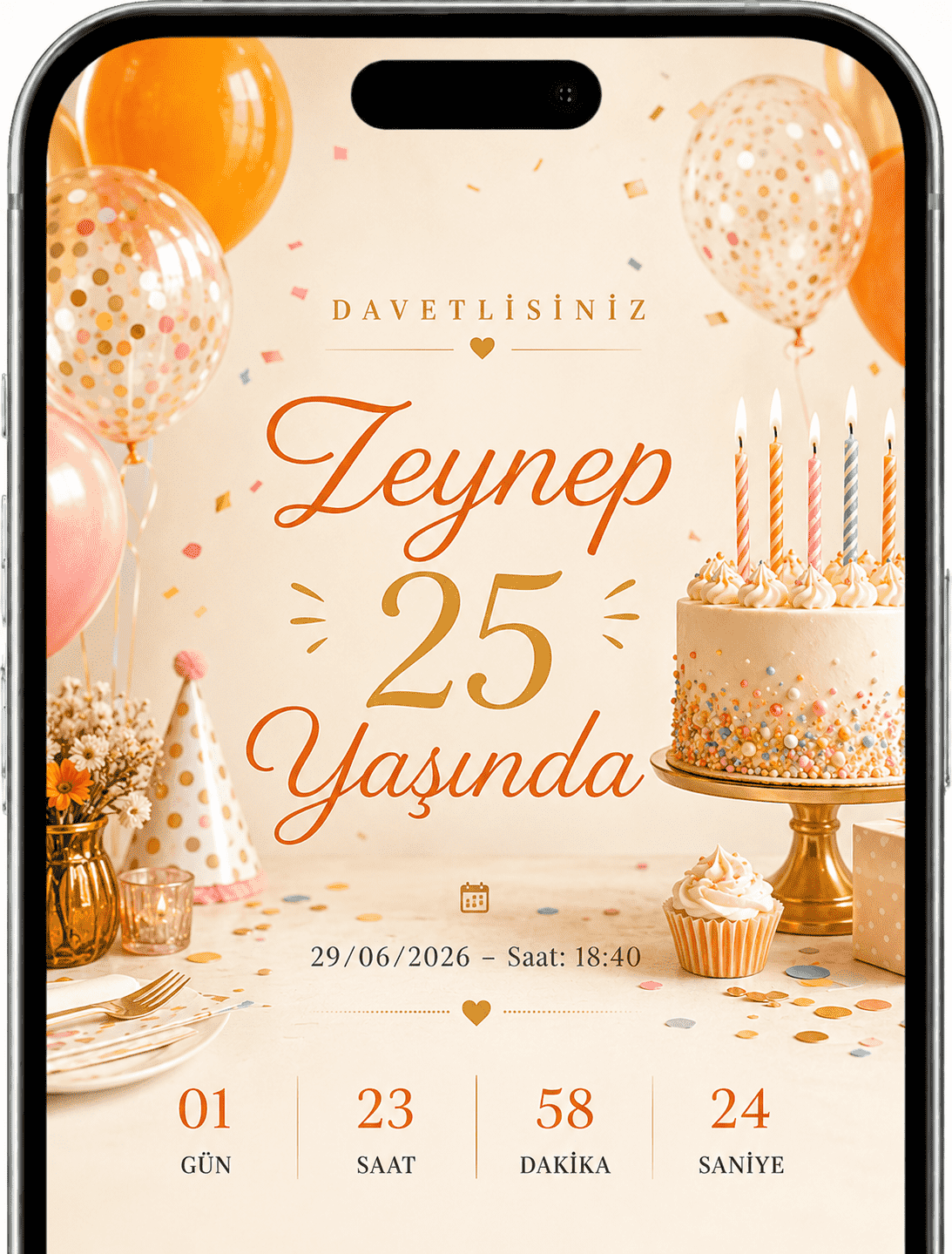
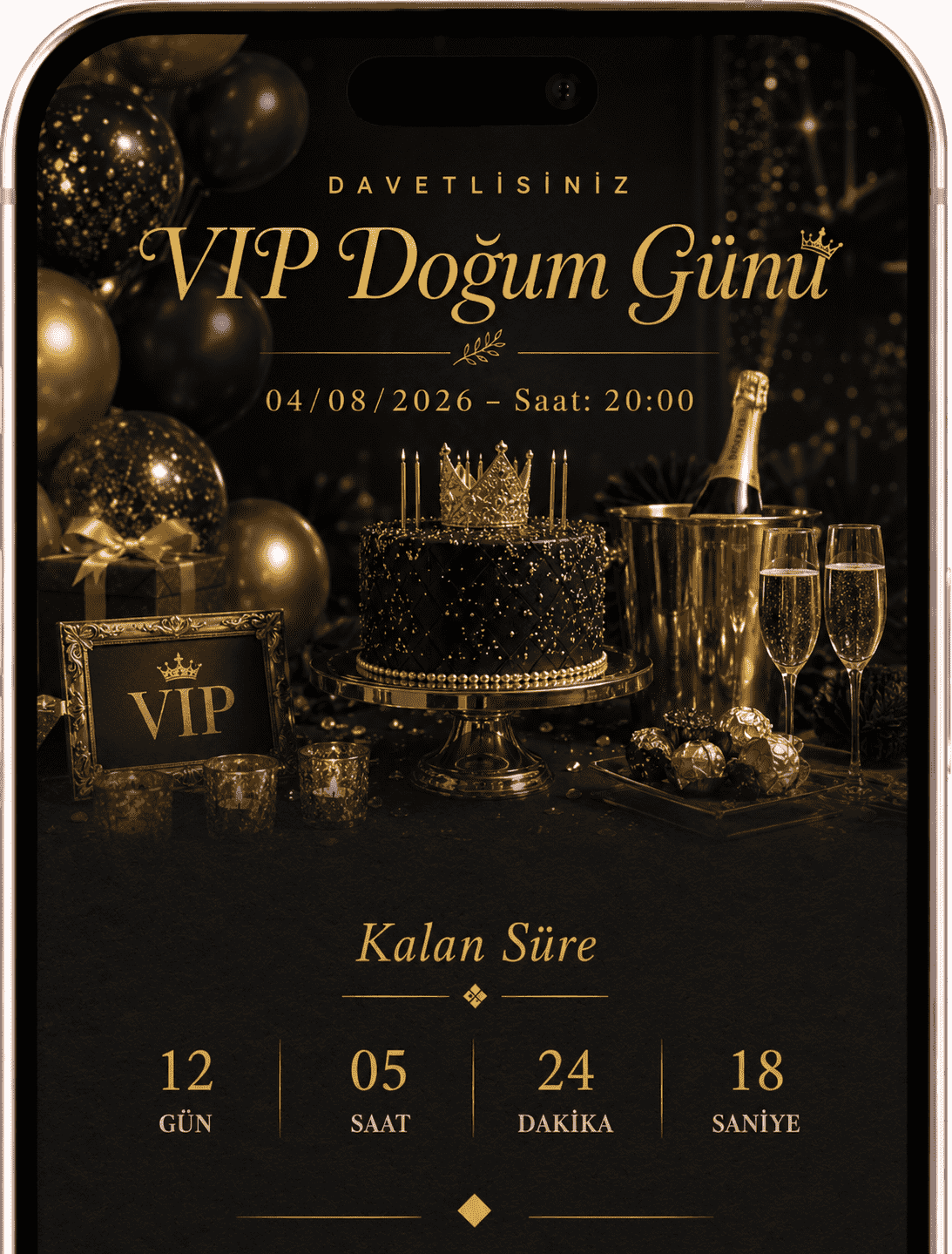
Keep the experience alive even after the party with energetic designs, video covers, music, photo uploads and a memory page.
Choose a ready-made theme and publish in minutes.
Follow RSVP replies, guest lists and event flow.
Gather photos and messages on the same page after the event.
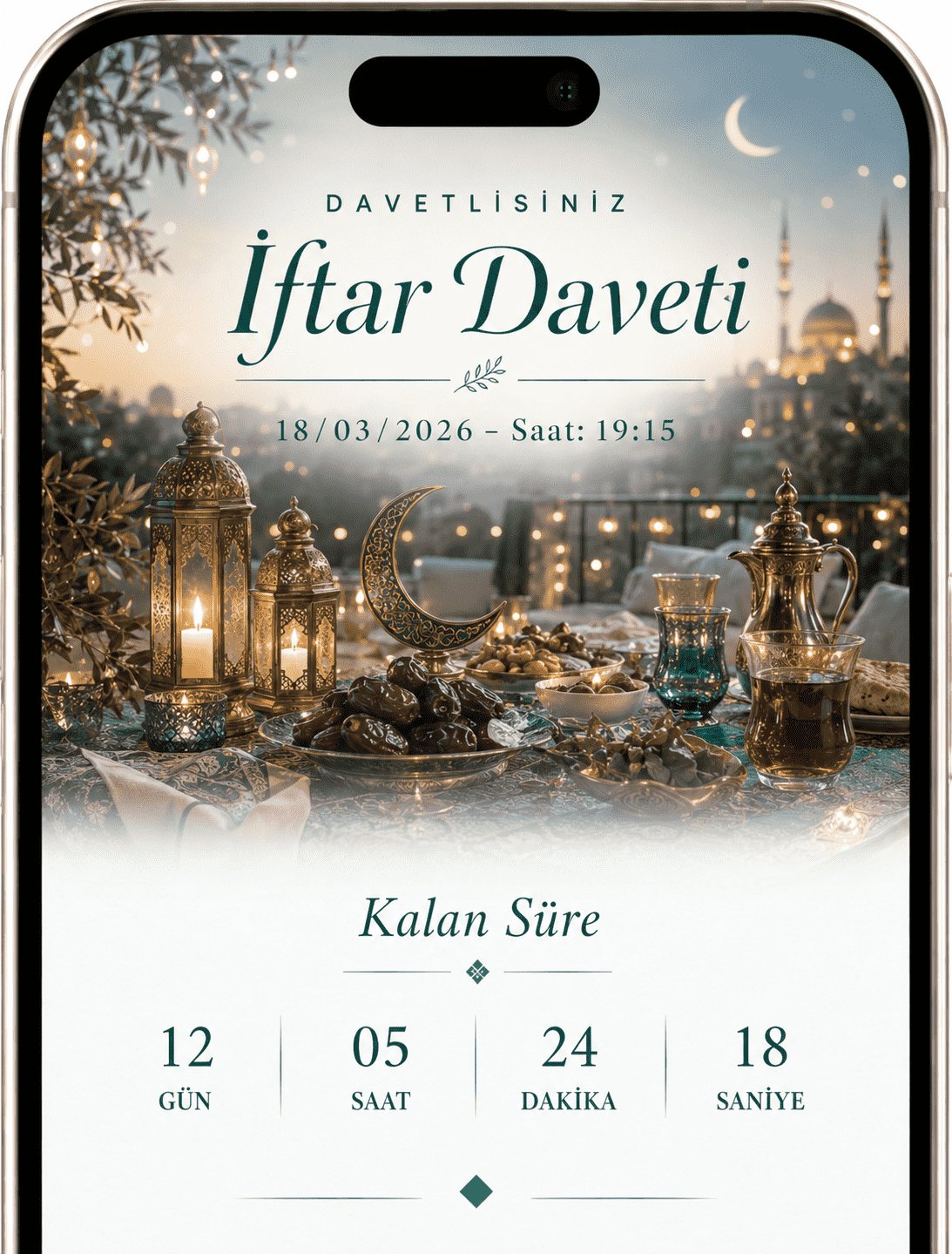
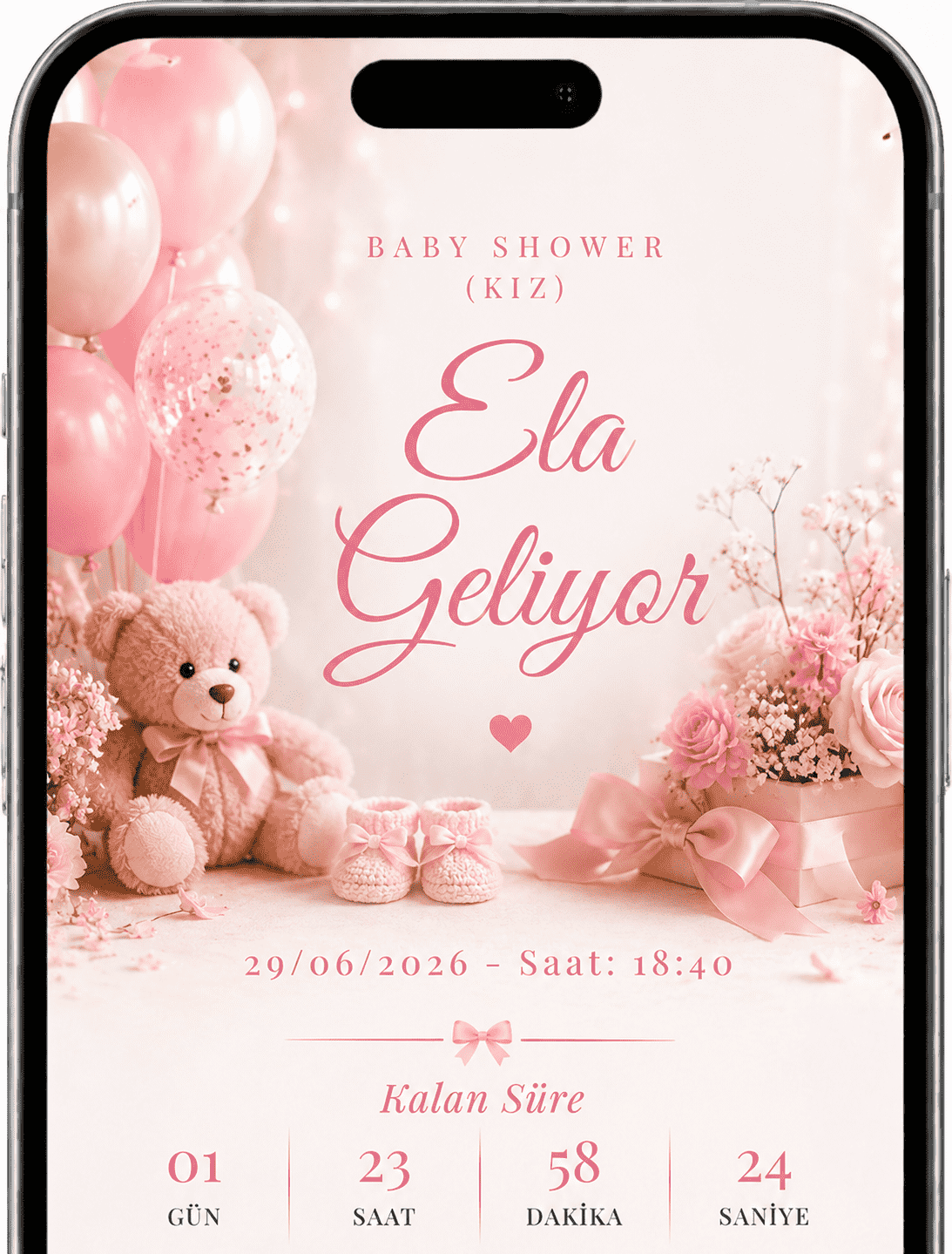
Prepare a heartfelt page with girl or boy baby shower themes, sweet message areas, photo sharing and memory collection.
Choose a ready-made theme and publish in minutes.
Follow RSVP replies, guest lists and event flow.
Gather photos and messages on the same page after the event.
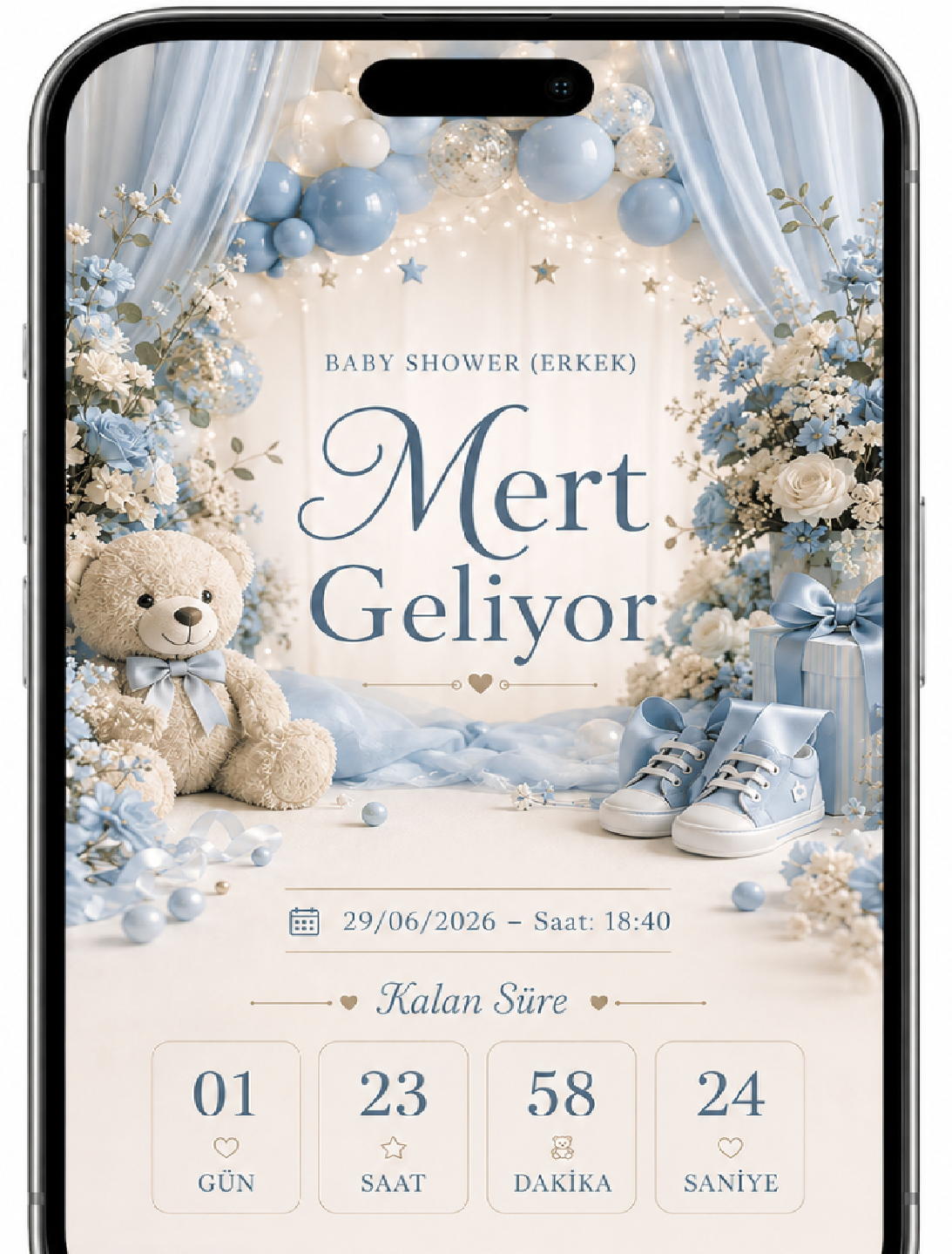
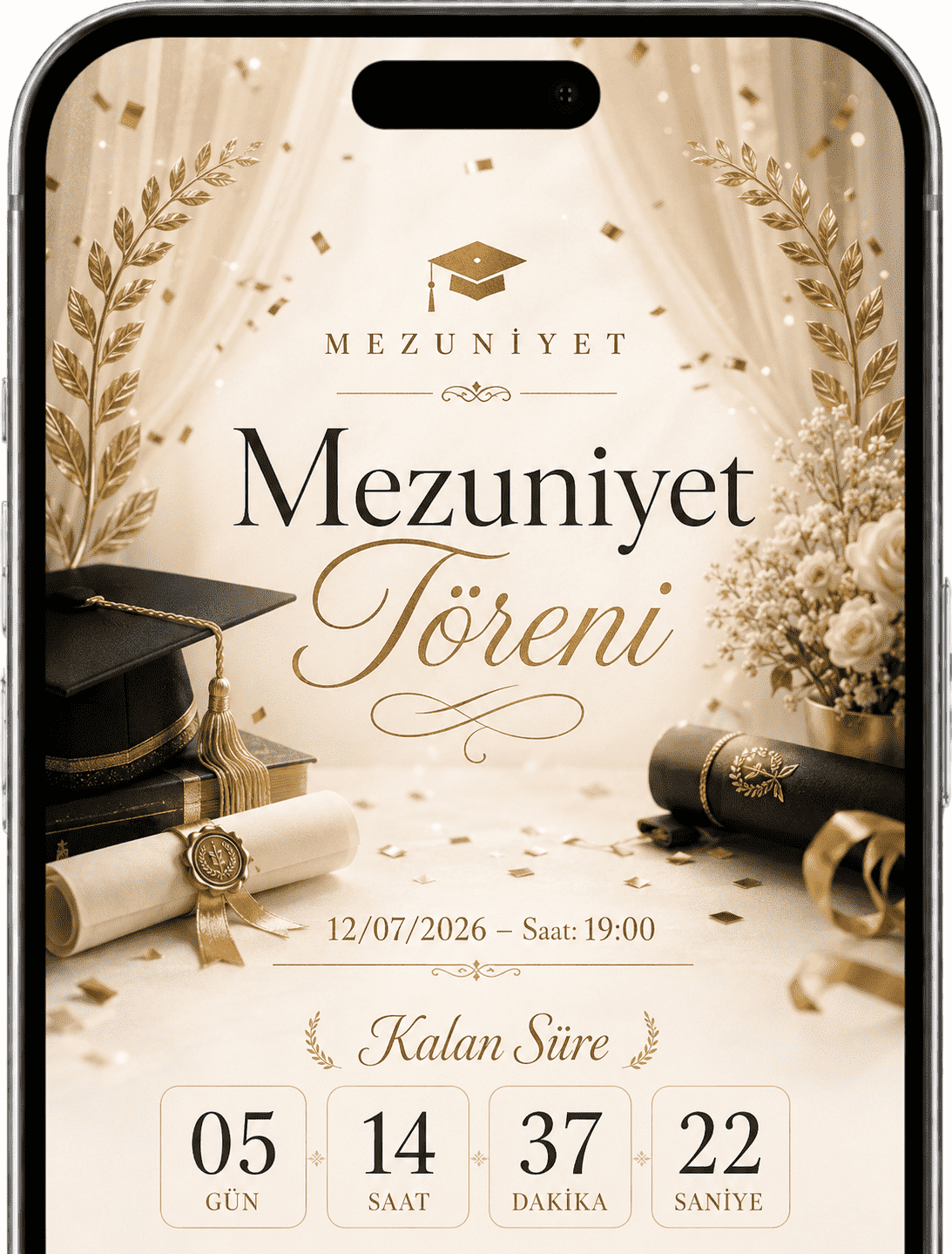
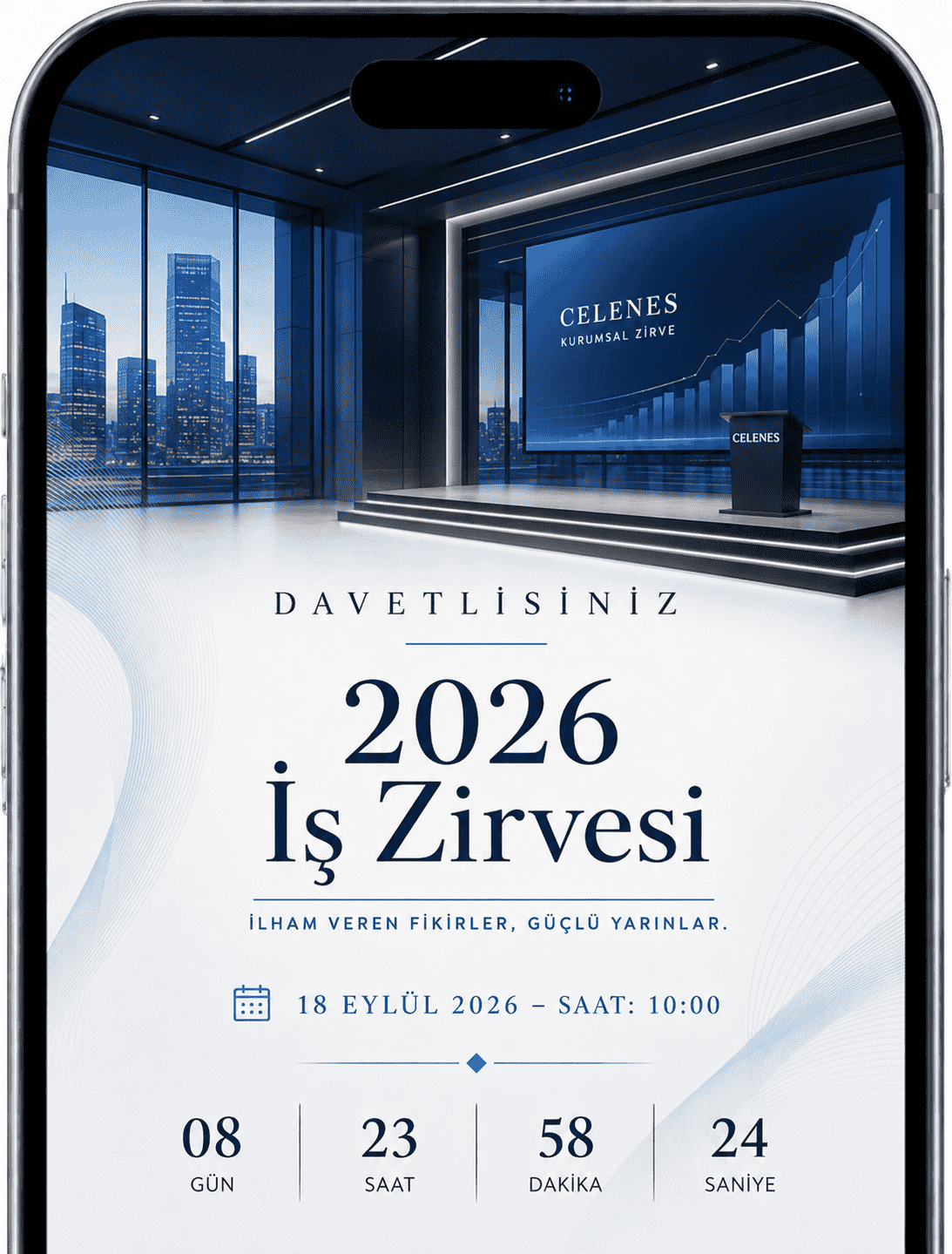
For launches, webinars, galas and business events, present a polished experience with strong visuals, date/location info and attendance tracking.
Choose a ready-made theme and publish in minutes.
Follow RSVP replies, guest lists and event flow.
Gather photos and messages on the same page after the event.
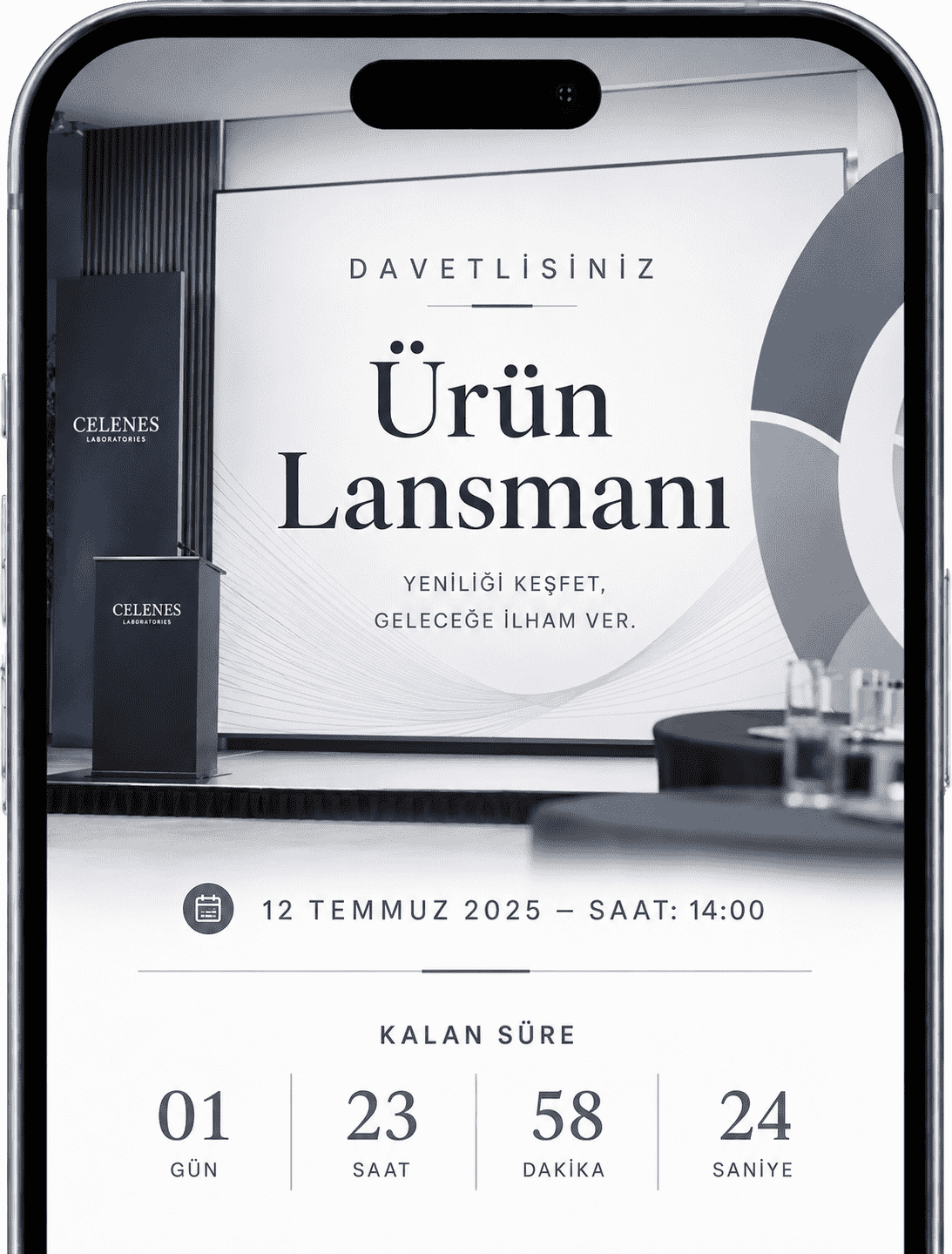
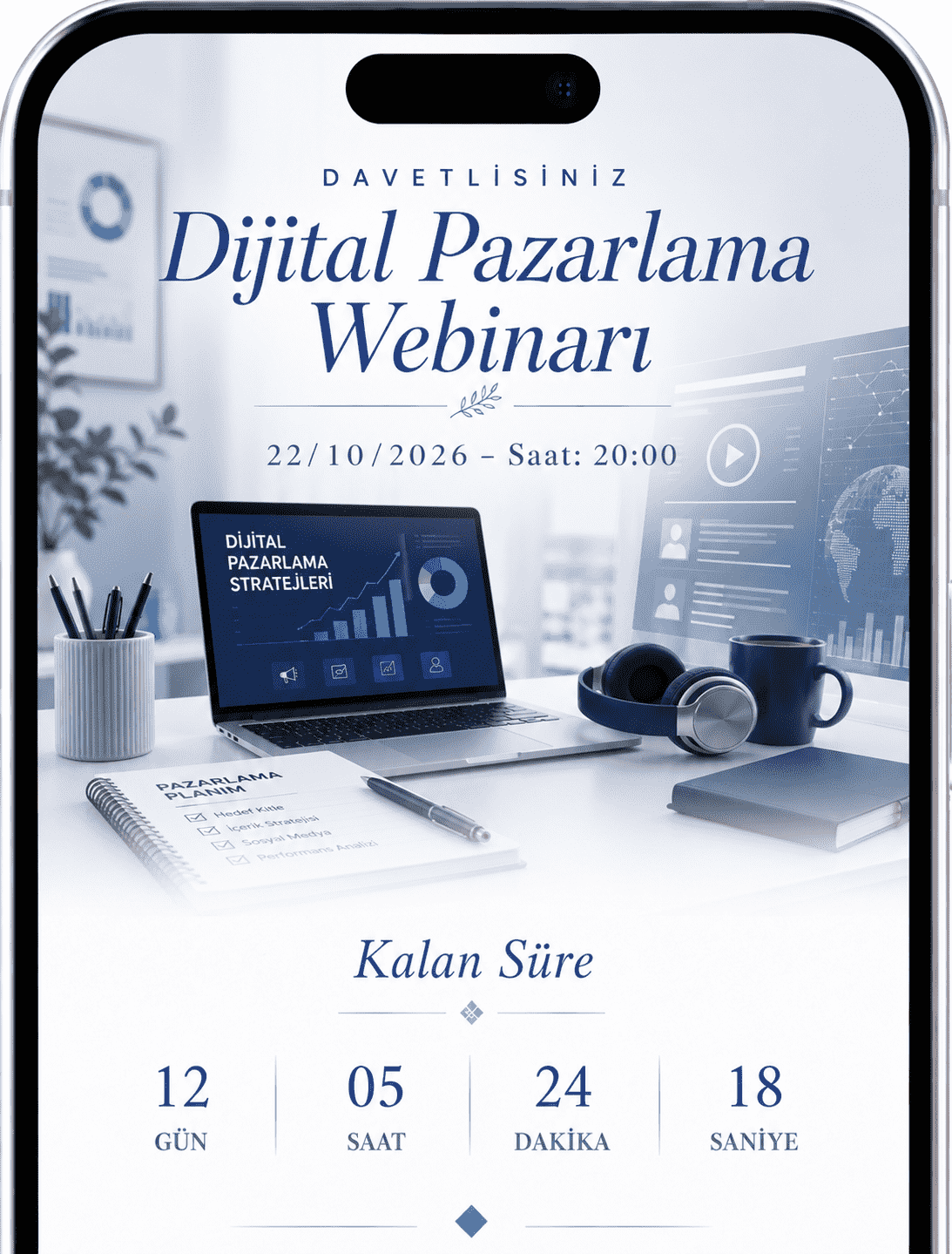
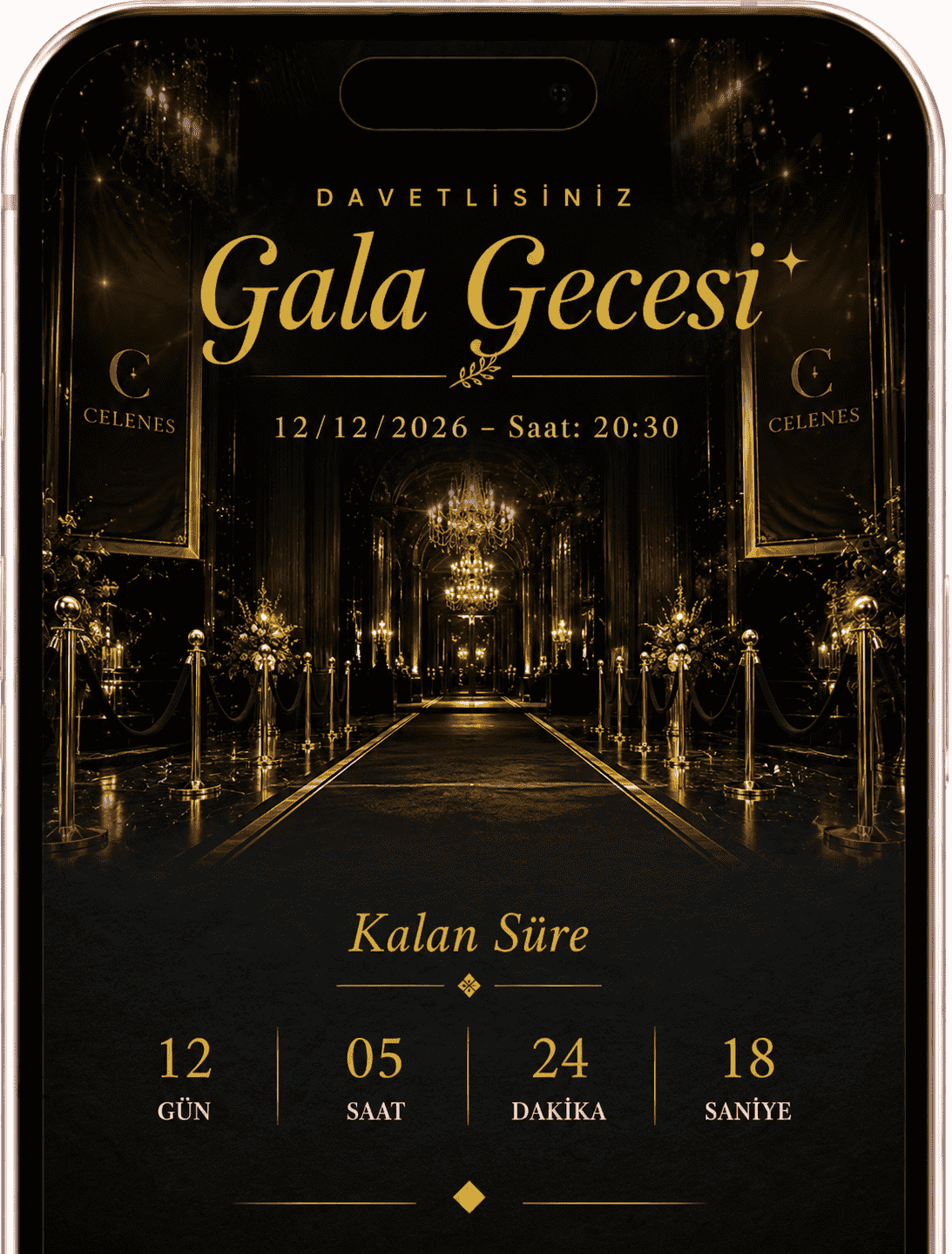
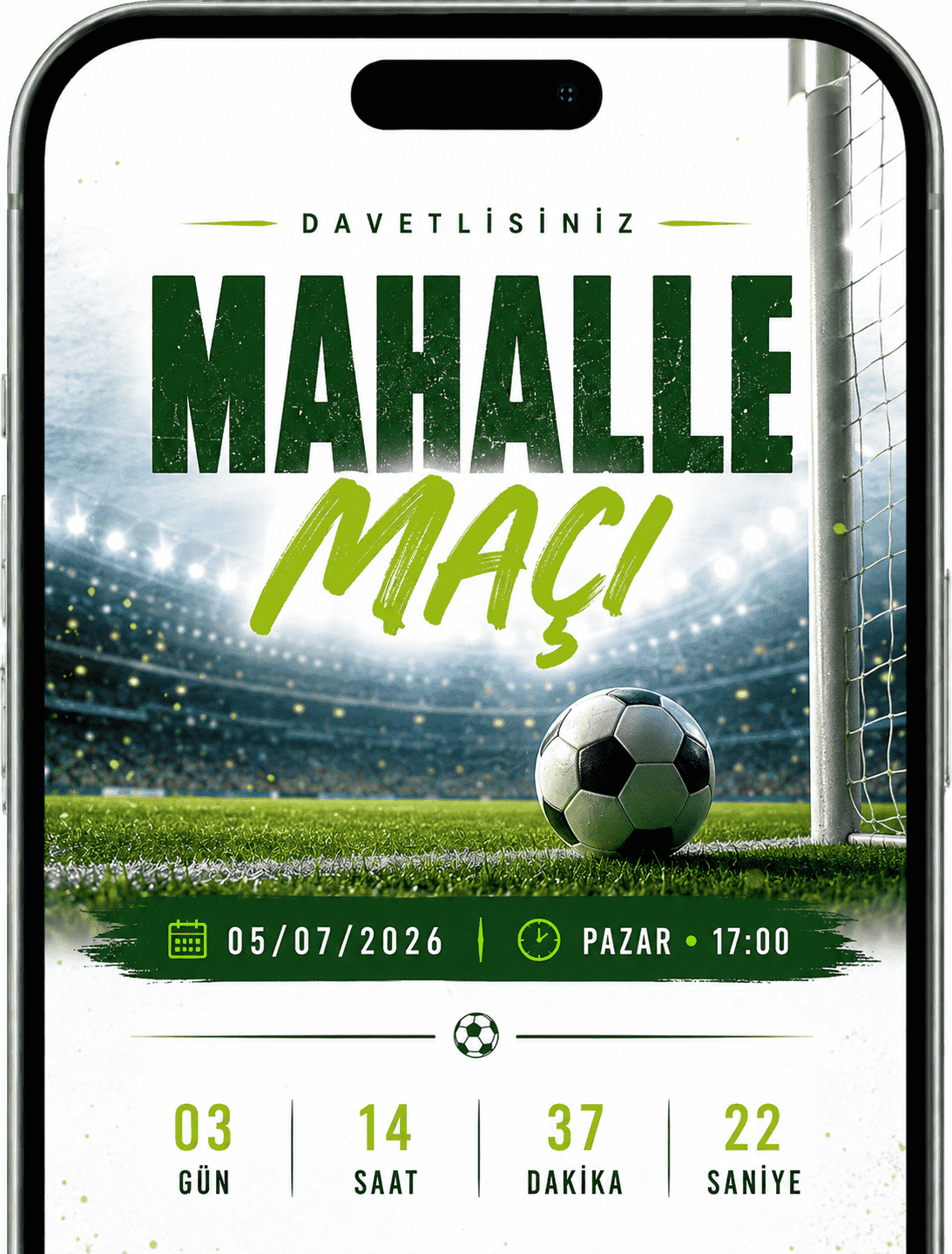
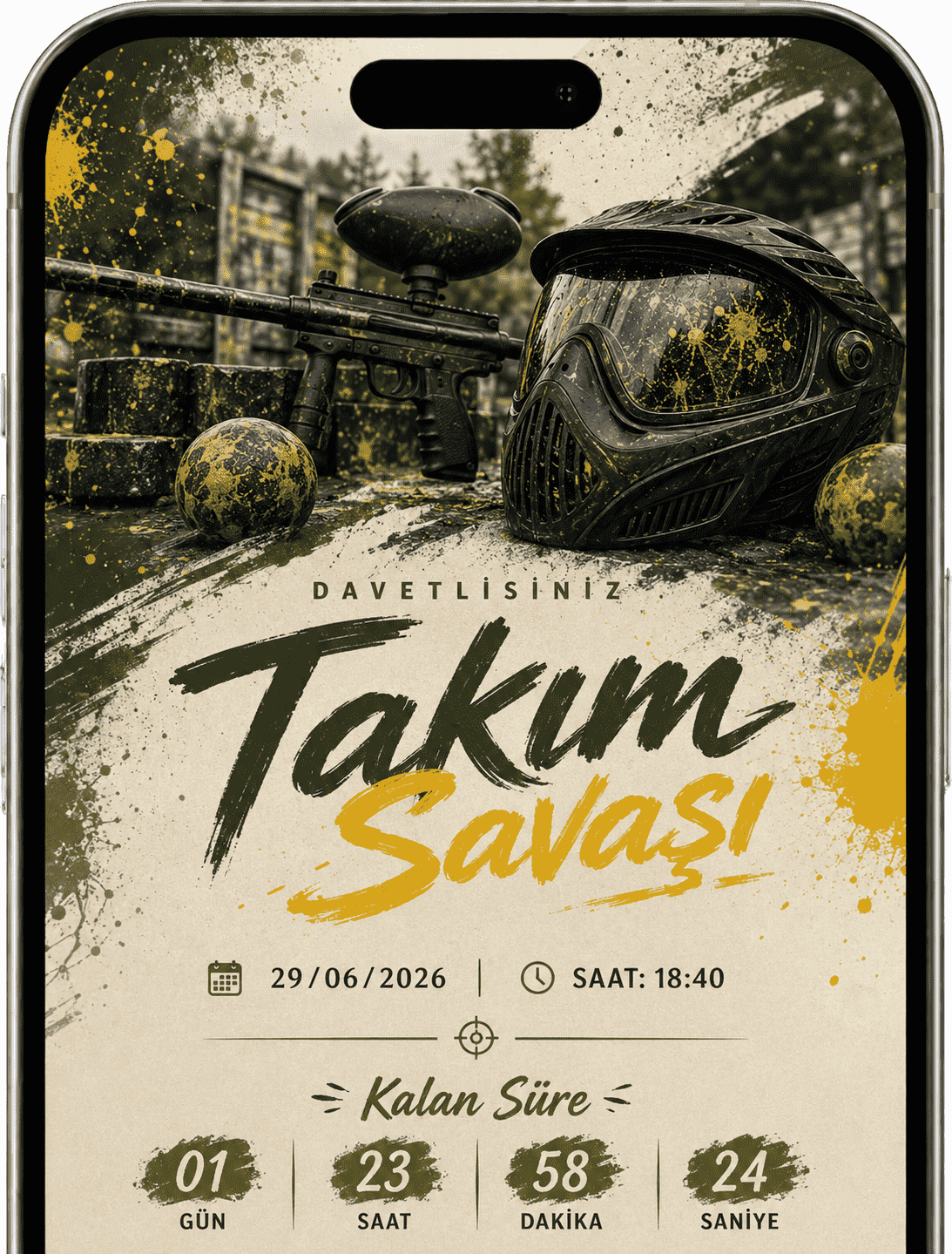
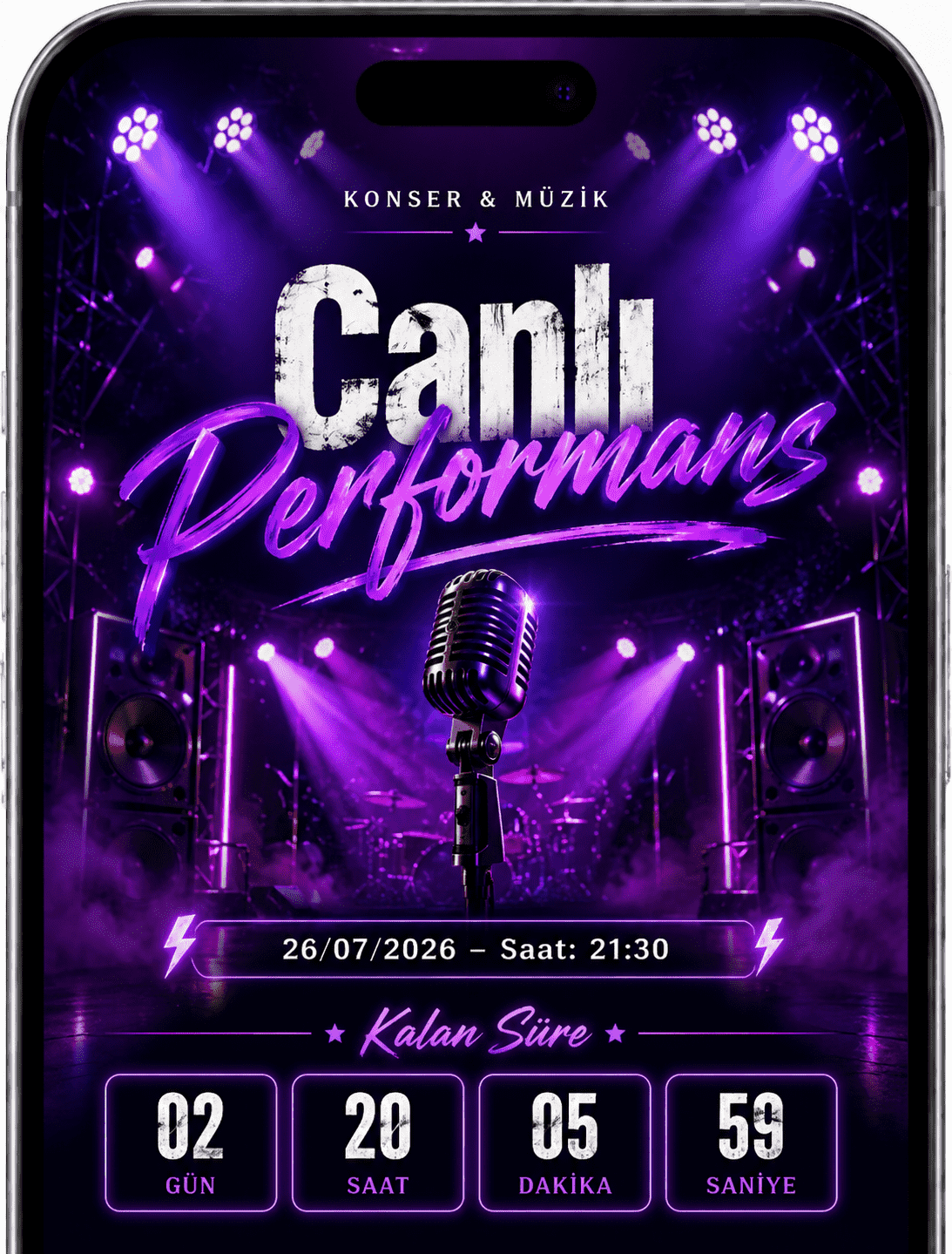
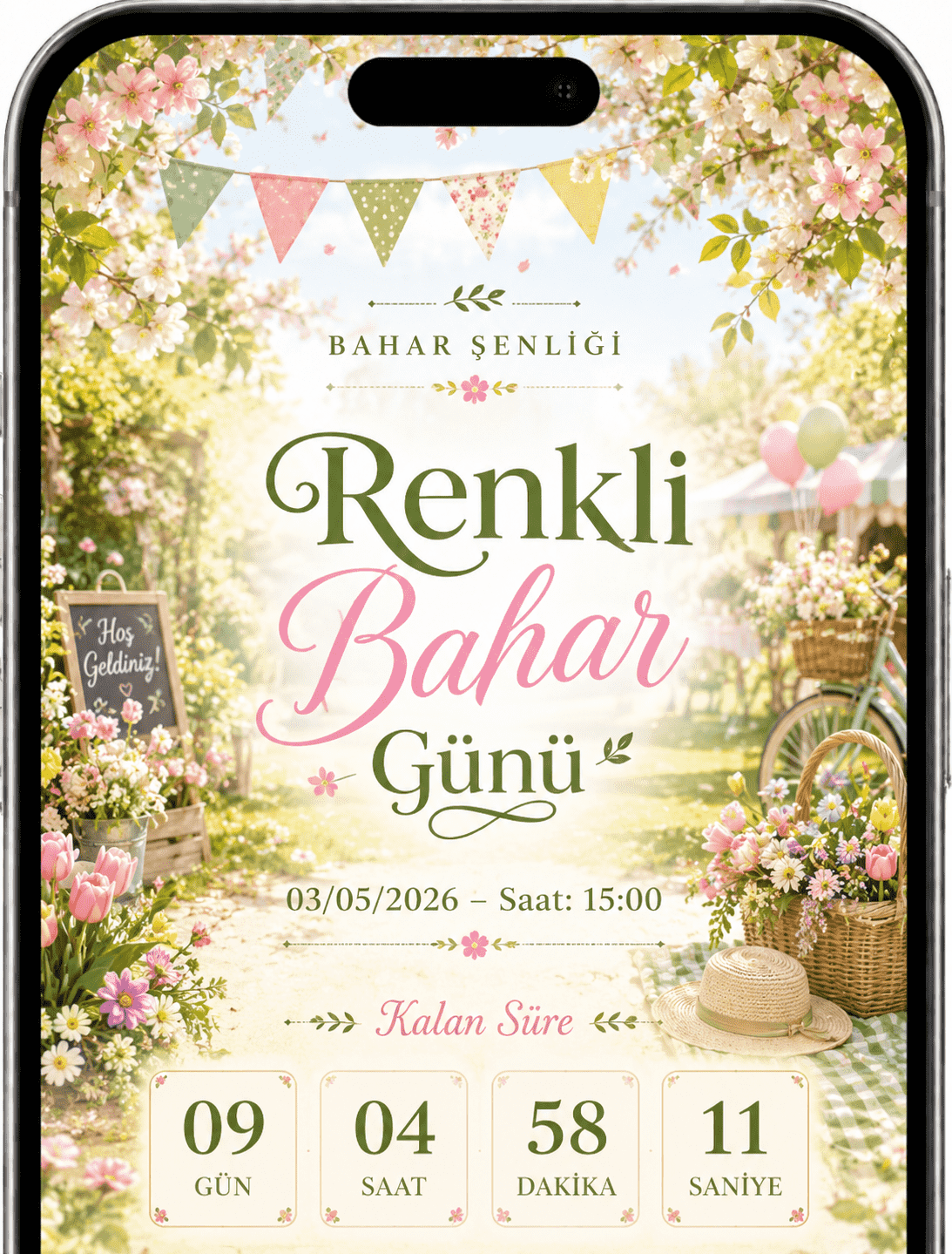
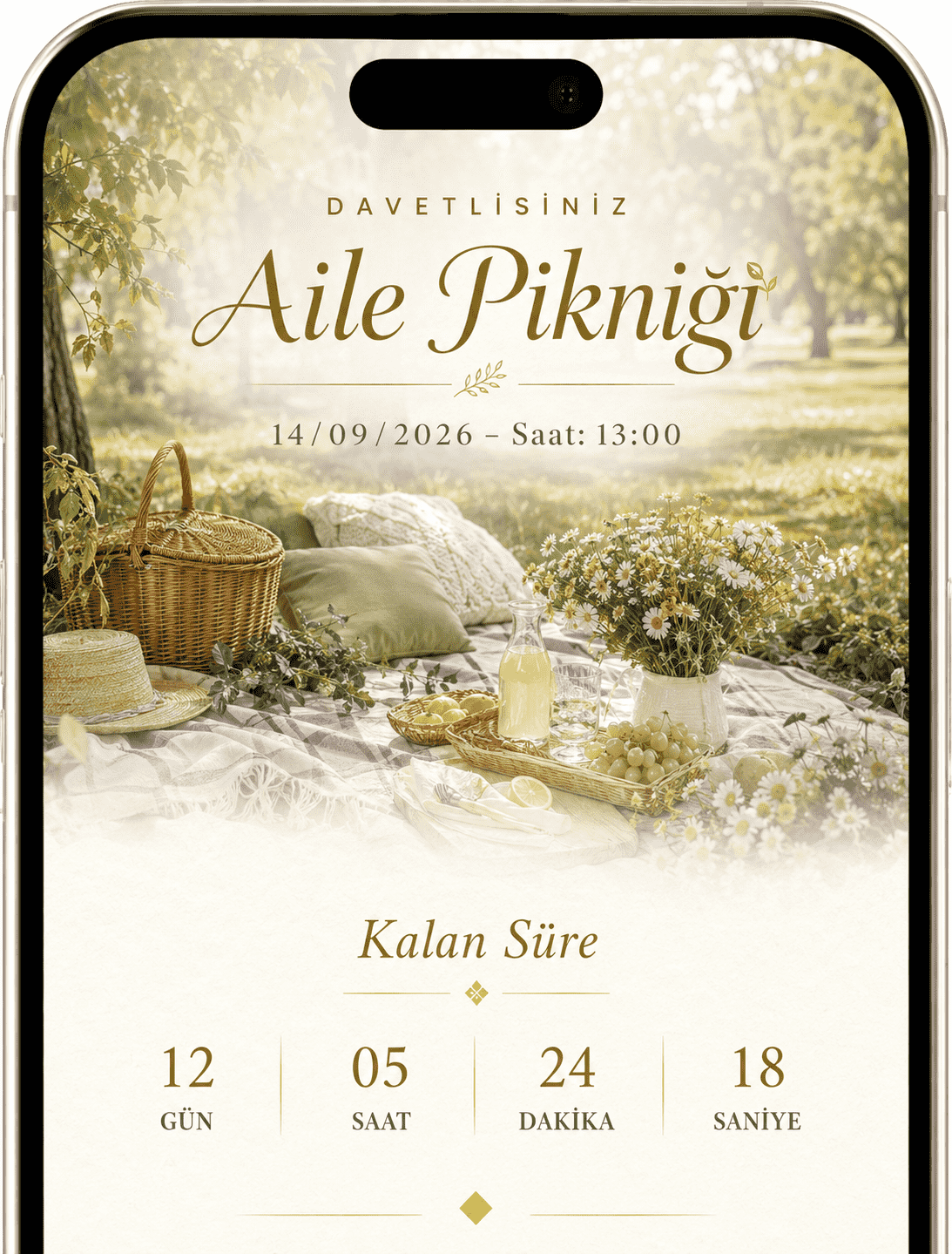
Create a lively experience for tournaments, concerts, spring festivals or community events with bold visuals, guest tracking and photo sharing.
Choose a ready-made theme and publish in minutes.
Follow RSVP replies, guest lists and event flow.
Gather photos and messages on the same page after the event.

Edit invitations, share links, track RSVPs and manage guest photos from one web panel.
Open Web DashboardCreate quickly without complicated tools, make the final touches with live preview and share.
Add the title, date, time and location.
Choose a design that fits your event.
Upload a cover image, video and album photos.
Enable RSVPs, maps, music and photo uploads.
Review the live preview, then share one link.
Browse real theme visuals, choose your style and publish with your own details.


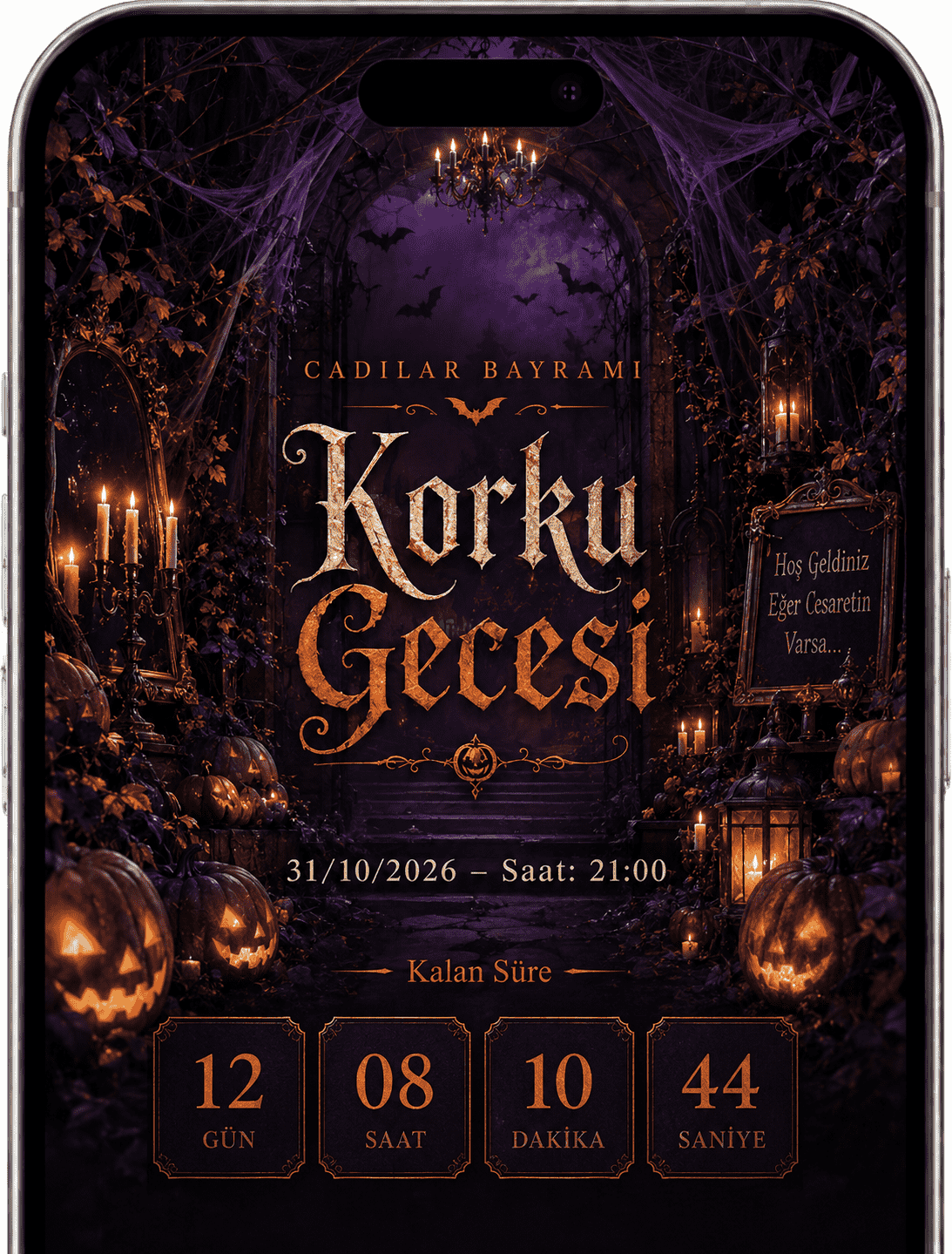
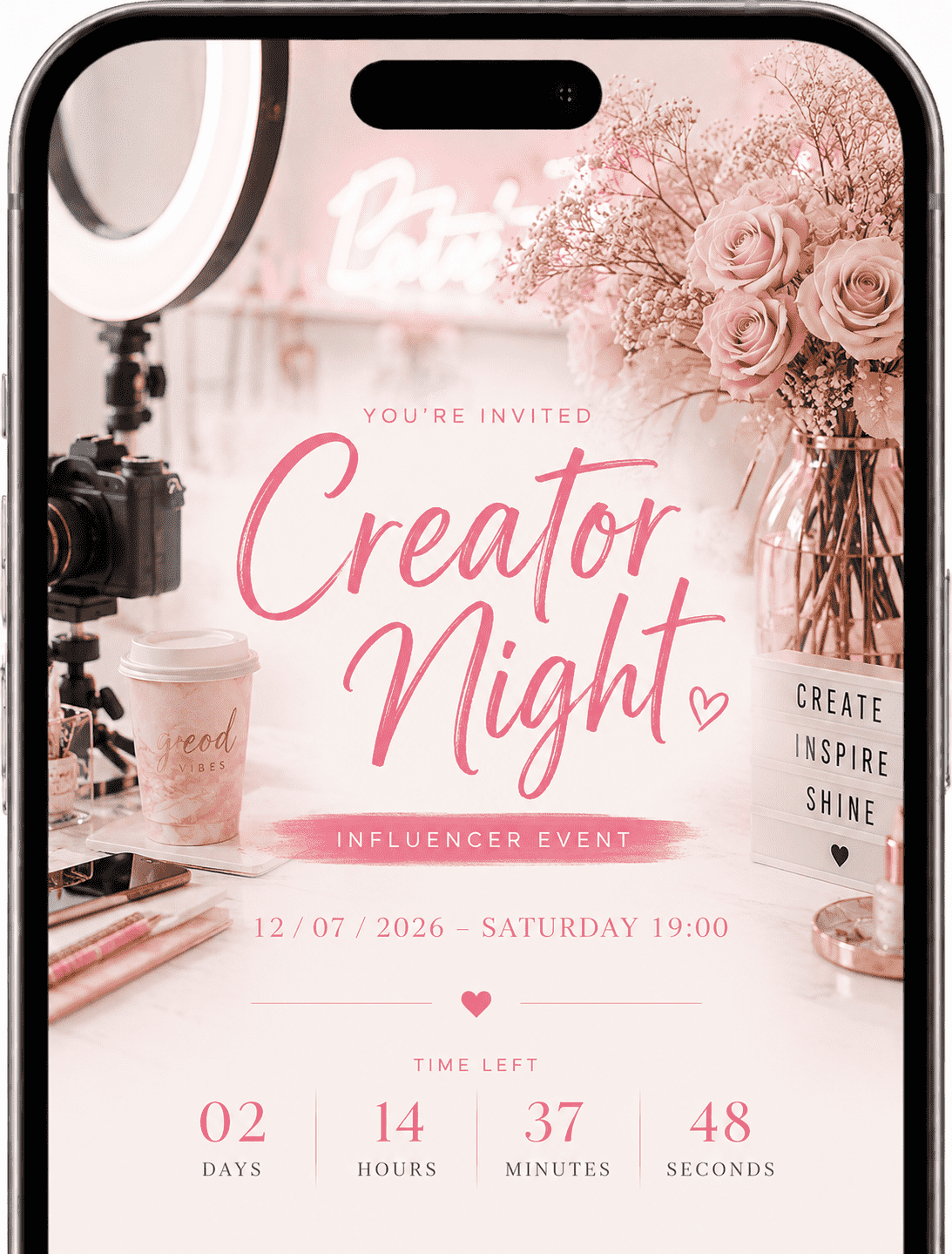
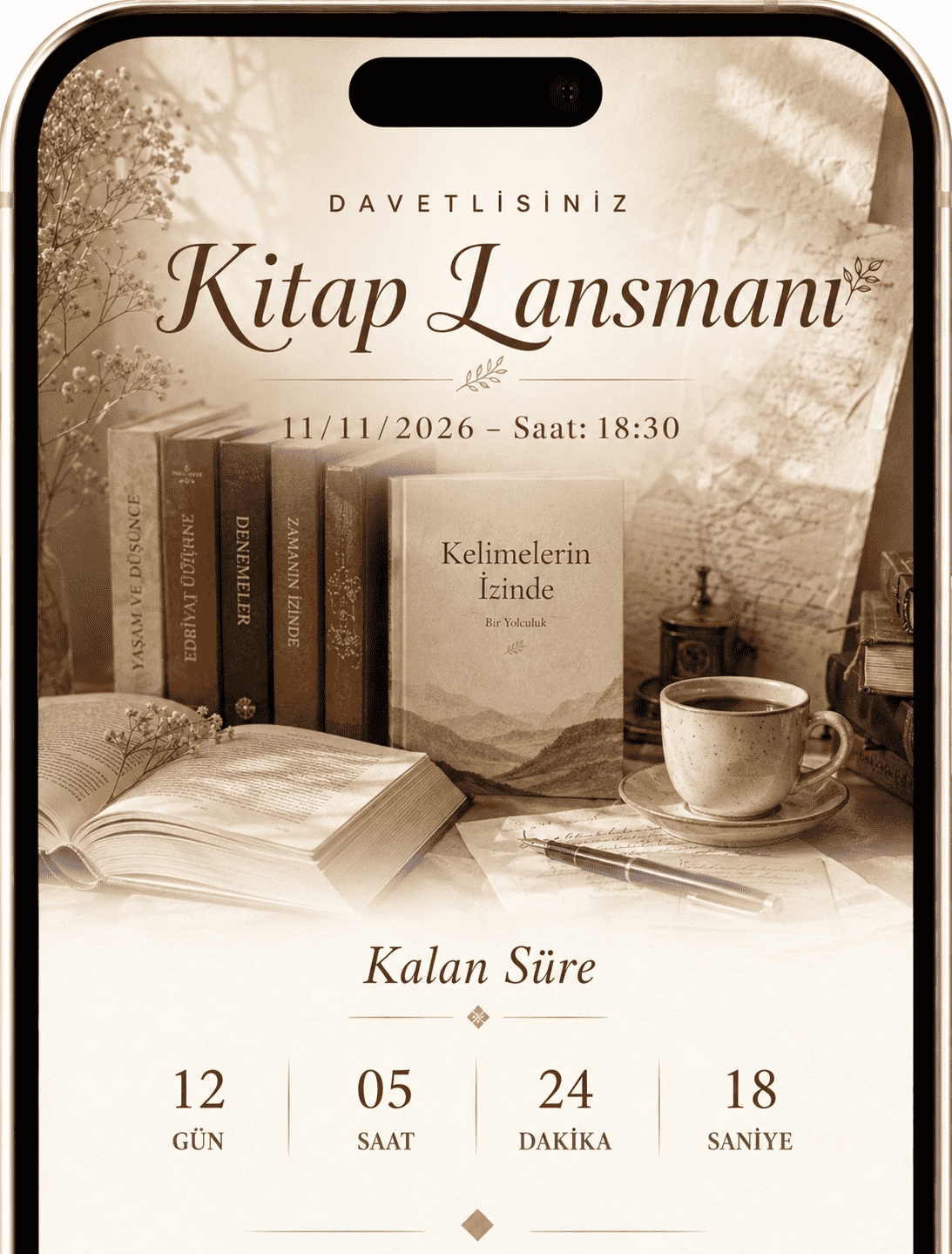
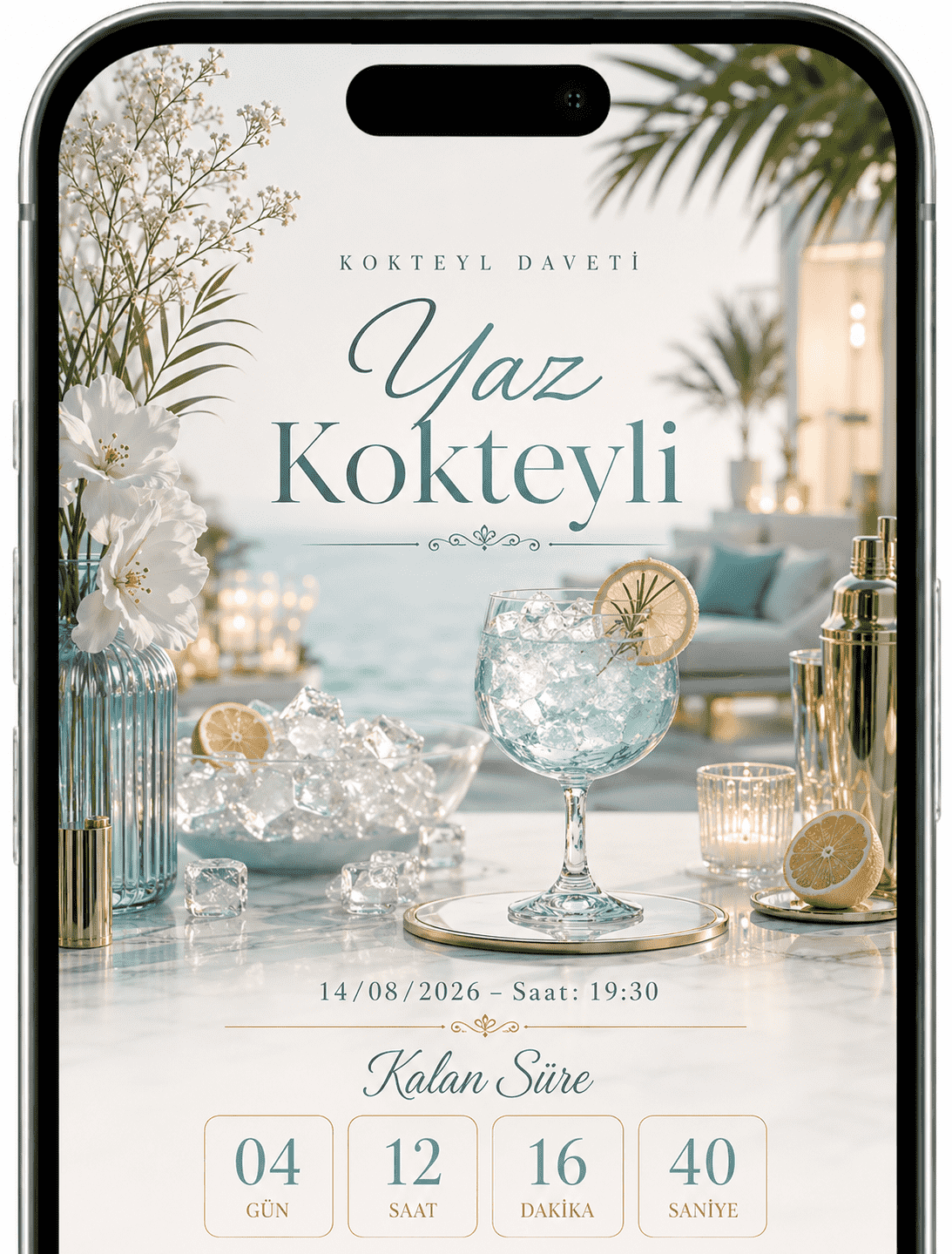
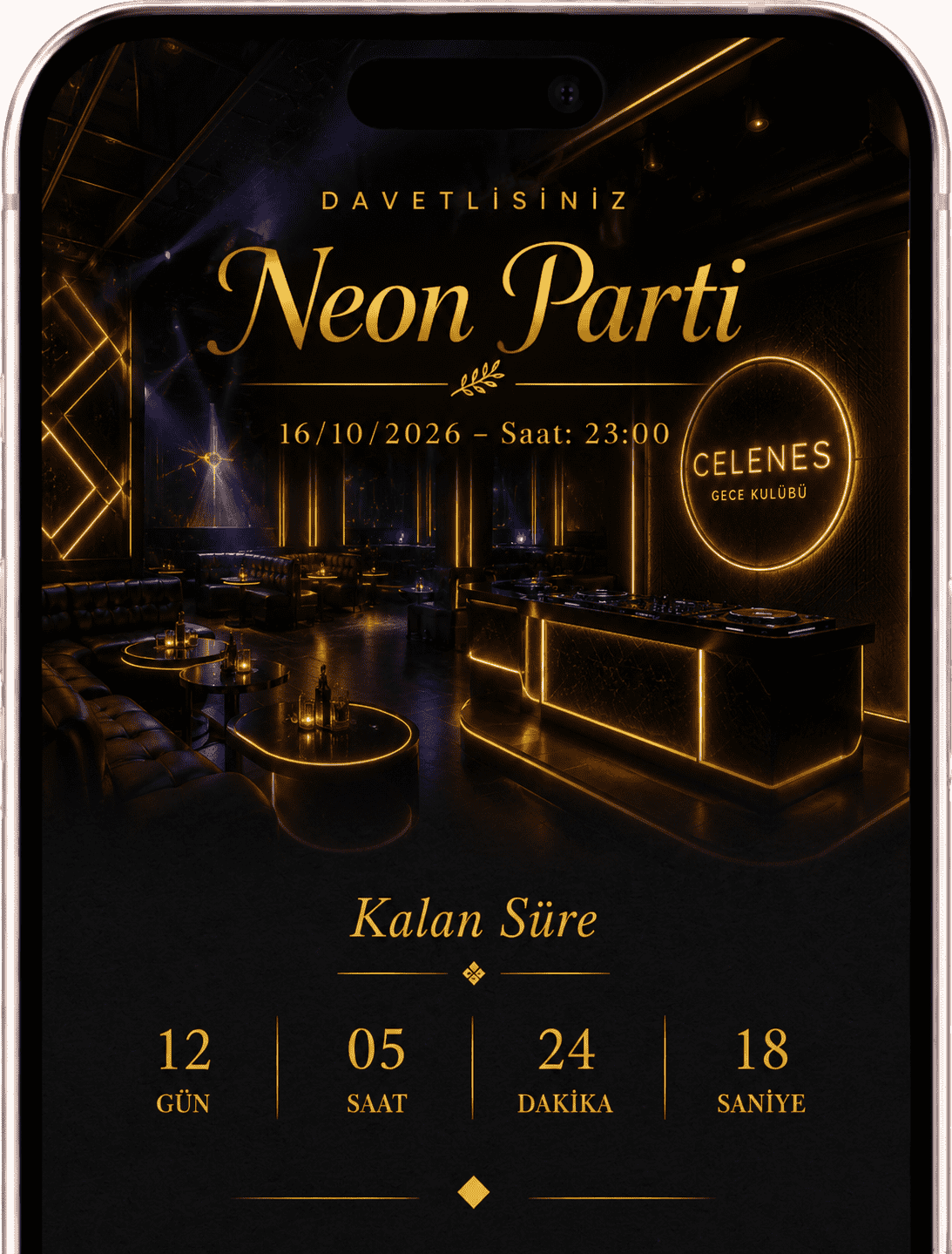
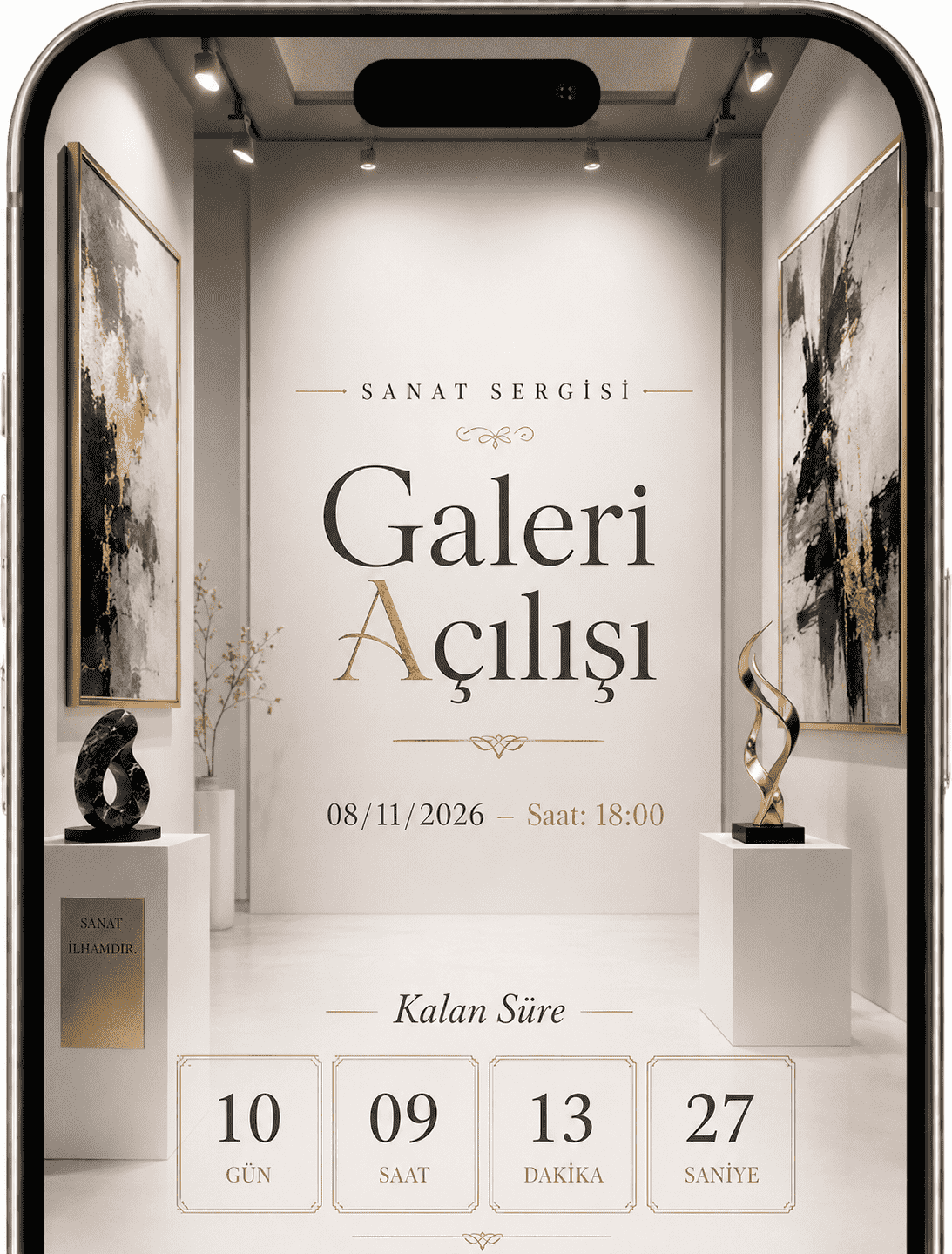
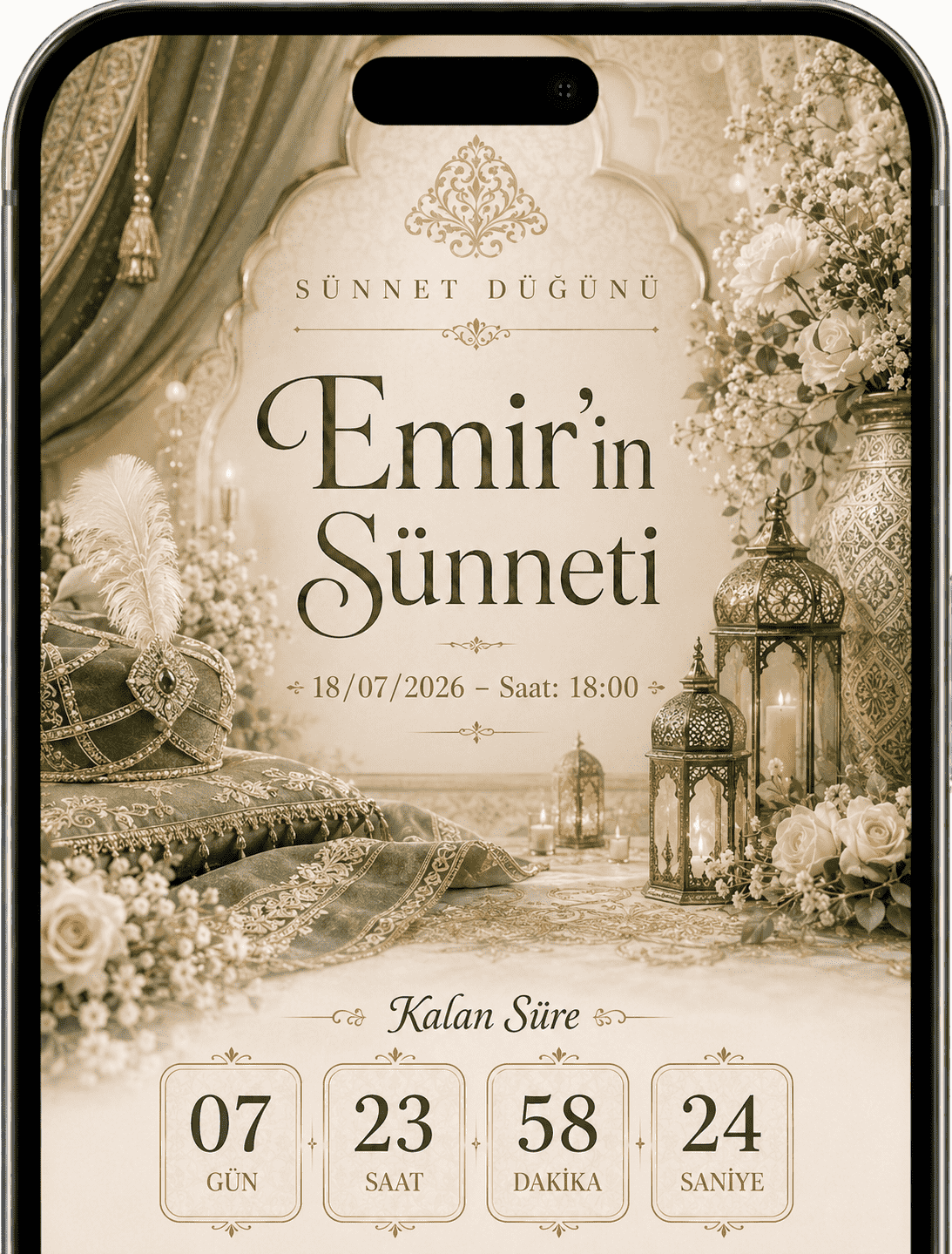
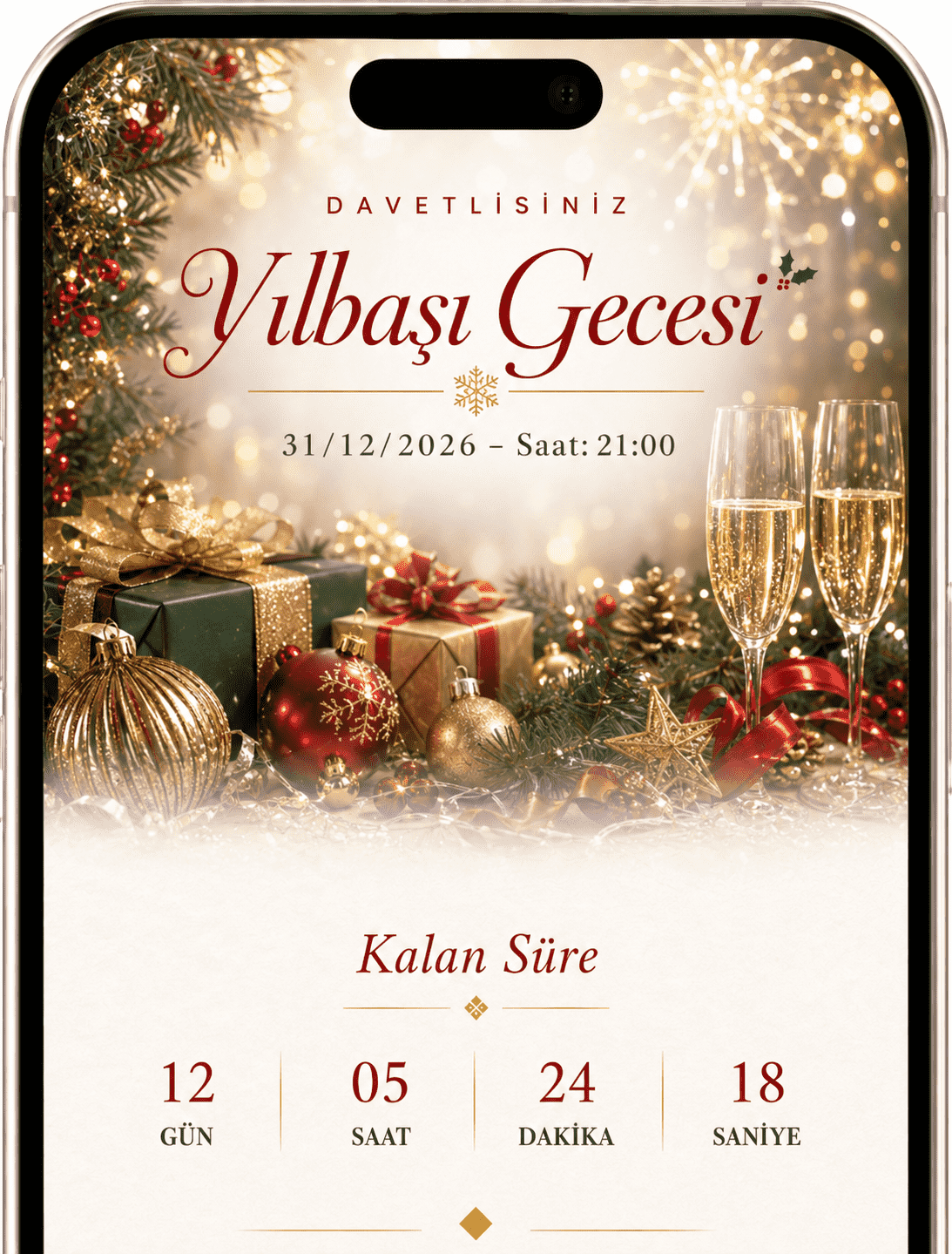
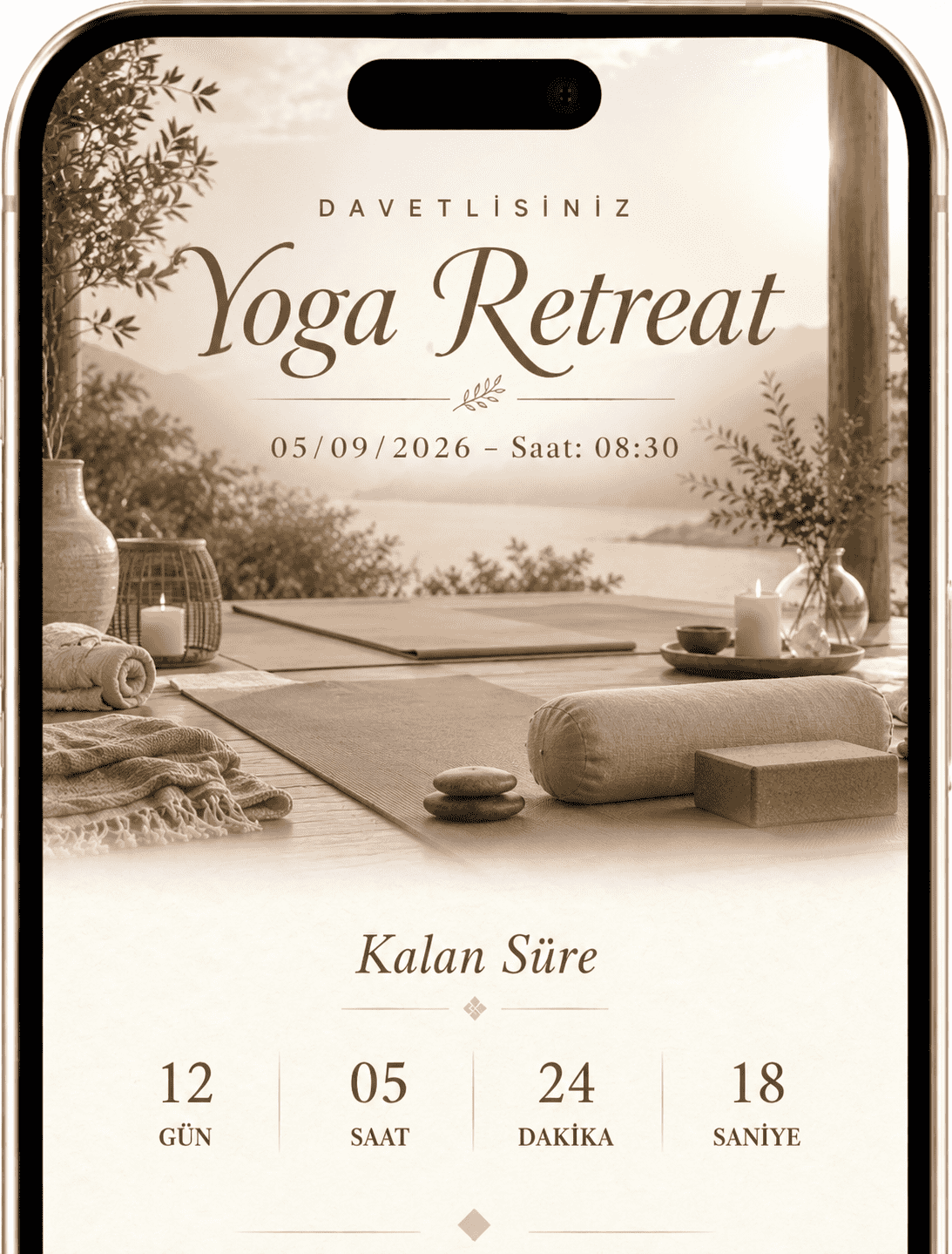
Mobile-first themes for creators, businesses, portfolios and personal pages.
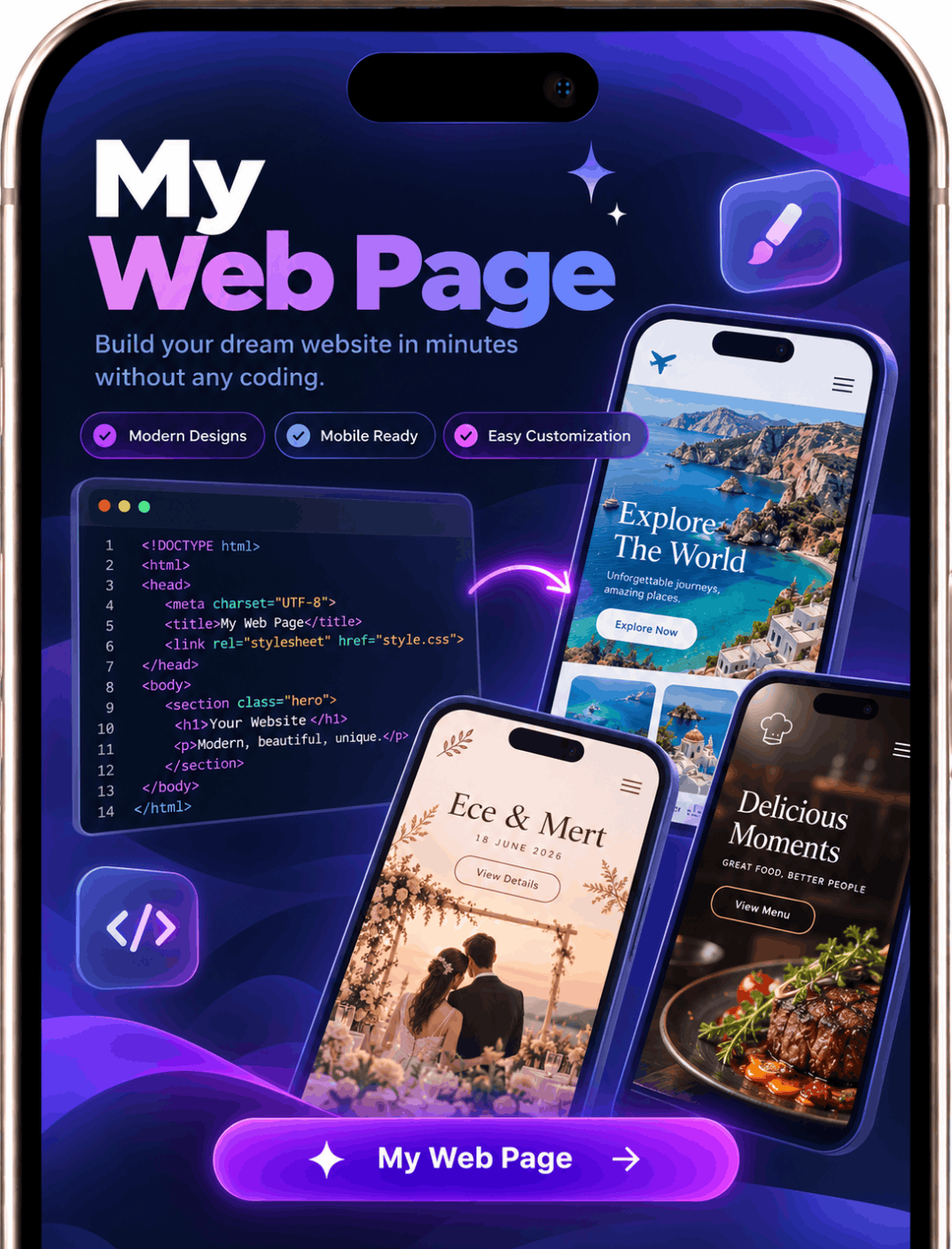
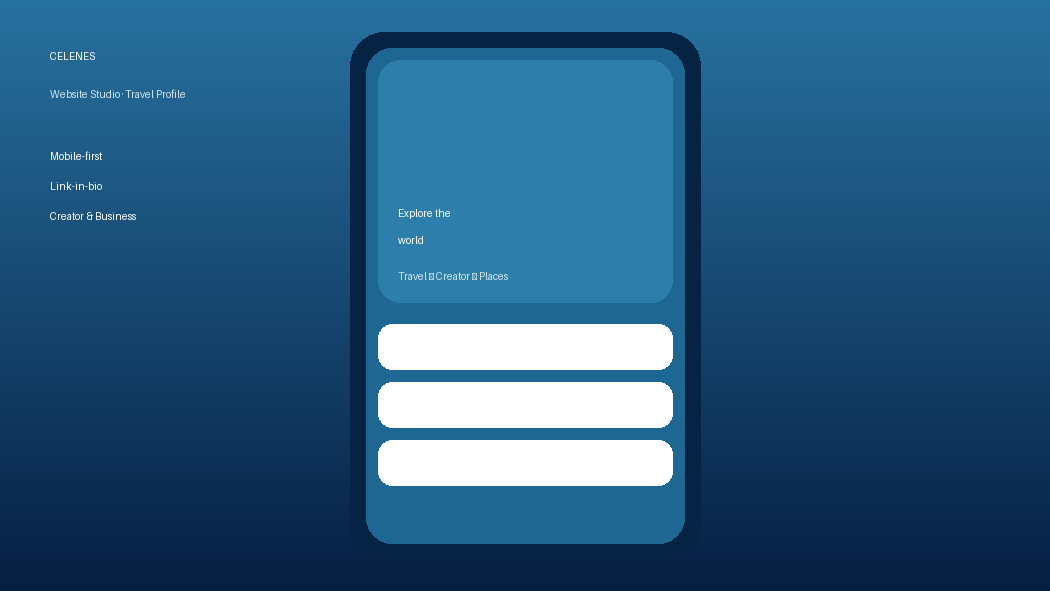
Explore everything CELENES offers, from invitations and memories to Link in Bio and personal pages.
Use CELENES on mobile and continue editing from the web dashboard whenever you want.
A few things to know before choosing how to create with CELENES.
Yes. You can start on the web and explore creating an invitation for free. Some features and actions may depend on your plan or available credits.
Yes. Open an account from the web dashboard, prepare and publish your invitation, then share it with guests. You can continue with the same account in the mobile app too.
Supported invitations can include an RSVP form and a photo-sharing area for guests. Available options depend on your chosen theme and settings.
Yes. Use CELENES Link in Bio and website options to bring your social links, content, or personal page together at one shareable address.
Start from the web without a credit card. Prepare a shareable invitation and memory page in minutes.
Try for Free